


How to Choose Telemecanique Sensors for Your Application
Choosing Telemecanique Sensors is not just a matter of matching a part number to a machine. The right choice depends on the target, sensing distance, operating speed, mounting space, and electrical interface. A sensor that works reliably beside a clean conveyor may fail near metal chips, vibration, or washdown spray. Small details matter.
The market context is clear. The International Federation of Robotics’ World Robotics 2024 report counted 4.28 million industrial robots in operation worldwide at the end of 2023. More automated equipment means more points where dependable detection matters. In an IFR statement on the industry’s growth, President Marina Bill said, “The global market value of industrial robot installations has reached an all-time high of 16.5 billion USD.” That figure describes the 2022 market, not sensor sales, but it shows the scale of automation shaping today’s design decisions.
This guide compares practical selection factors, including inductive, capacitive, photoelectric, and limit-switch technologies. It explains how target material, detection range, ambient light, temperature, ingress protection, and output type affect performance. Check the product documentation against the actual installation, then test the sensor with the real target and machine cycle. That is not enough on paper alone. A prototype can reveal a blind spot that a specification sheet cannot. Telemecanique Sensors offers a broad range, but no brand can remove the need to verify fit, wiring, and environmental conditions.
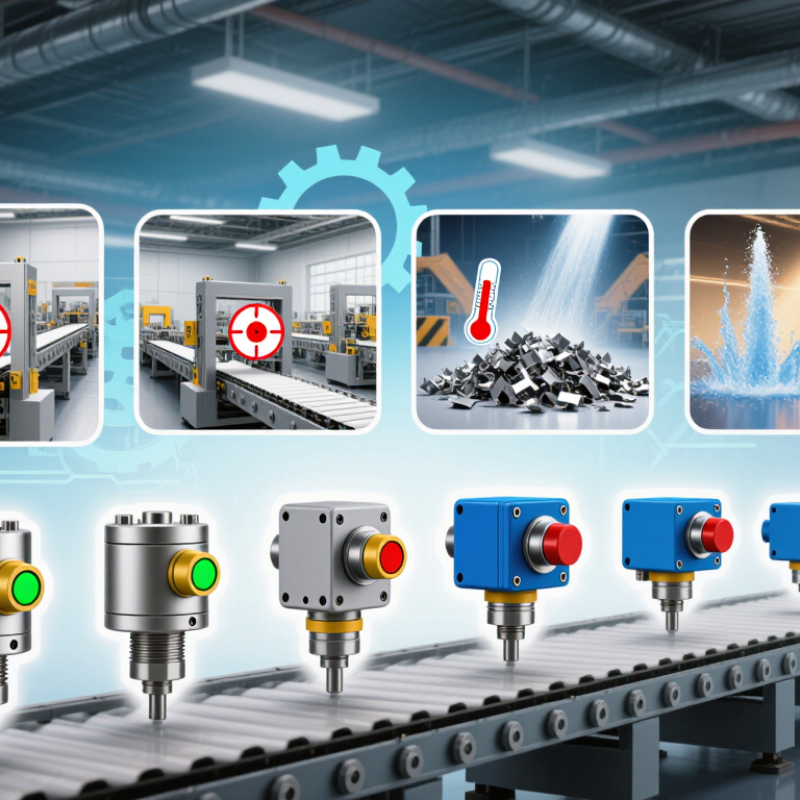
Define the Application’s Sensing Requirements
Before selecting a sensor, describe exactly what it must detect. Is the target metal, plastic, liquid, or a moving package? Note its size, surface finish, and position. A dark, glossy label may behave differently from a matte carton, even on the same line. Small details matter.
Measure the sensing distance at the target’s nearest and farthest positions. Allow for vibration and mounting tolerances. Record the fastest target speed, too; a sensor that detects a stationary object may miss one passing quickly. Check ambient light, dust, moisture, washdown, and temperature where the device will operate. A clean test bench can be misleading. Real production conditions rarely stay that tidy.
Then define what the control system needs: switching output, response time, and acceptable detection repeatability. Consider what happens when the target is absent or misaligned. Can a false trigger stop a conveyor, or is a missed detection more costly? In practice, teams sometimes specify range before checking the target material. That is an easy assumption to make, and worth revisiting. Test a sample target in its actual position, with nearby machinery running, before finalizing the sensing requirements. A few minutes of observation can reveal glare, gaps, or movement that drawings leave out.
| Requirement | What to Define | Practical Examples and Selection Notes |
|---|---|---|
| Target material and properties | Identify the object’s material, size, shape, color, surface finish, and whether it is solid or liquid. | Inductive sensing is suited to metal targets. Capacitive sensing can detect many nonmetallic materials, including some liquids and powders, but performance depends on the target and setup. Photoelectric sensing can detect varied materials, with results affected by color, reflectivity, and transparency. |
| Sensing function | Specify whether the task is presence detection, position confirmation, counting, level detection, or distance measurement. | A discrete proximity sensor can signal that an object is present. A photoelectric arrangement may detect objects crossing a path, while an analog distance sensor can provide a changing measurement for position or gap monitoring. |
| Operating distance and tolerance | Record the minimum and maximum distance, target movement, mounting variation, and required detection margin. | Compare the required distance with the sensor’s rated sensing distance and specified operating conditions. Inductive sensing distance varies with target material and dimensions; optical sensing distance depends on the sensing arrangement and target properties. |
| Response and operating speed | Define target speed, shortest event duration, switching frequency, and the response time needed by the control system. | For fast-moving parts or closely spaced objects, check the sensor’s response time and switching frequency against the machine cycle. Include input filtering or controller scan time when calculating the total detection delay. |
| Mounting and available space | Measure the installation space and define mounting orientation, sensing-face position, clearance, and nearby metal or other sensors. | Confirm the sensor’s dimensions and mounting instructions. Flush and non-flush inductive installations can have different clearance requirements; adjacent sensors or metal structures may affect performance. |
| Environment and protection | Document ambient temperature, moisture, dust, washdown, oil, chemicals, vibration, and exposure to sunlight or other light sources. | Select an enclosure rating and temperature range that meet the actual installation conditions. Check material compatibility and any relevant impact, vibration, or optical-interference limitations in the product specifications. |
| Electrical interface | Specify supply voltage, output type, switching logic, load current, wiring method, and controller input requirements. | Check compatibility between the sensor output (for example, PNP or NPN) and the control input. Confirm normally open or normally closed behavior, connector or cable requirements, and allowable load current. |
| Reliability and safety needs | Define the consequence of a missed or false detection, required diagnostic behavior, maintenance access, and any safety-related function. | For ordinary process detection, evaluate repeatability and expected service conditions. If the sensor is part of a safety function, use equipment specifically rated for that function and follow the applicable risk assessment and safety standards. |
Newsletter
Subscribe to our newsletter and receive the latest news and exclusive insights every month. No spam.

LabConsulting GmbH and LC LabService GmbH are Austrian companies which cooperate with over 600 manufacturers and offers a selection of more than 180,000 products and various laboratory product and service solutions for our Labcustomers.
Die LabConsulting GmbH und die LC LabService GmbH sind österreichische Unternehmen, die mit über 600 global verteilten Herstellern zusammenarbeiten und mit einer Auswahl von mehr als 180.000 Produkten und verschiedenen Laborprodukt- und Servicelösungen unseren Parnern im Labor anbieten.
INSTOCK CATALOG


Our services
Our services

